
Update, November 15, 2026: A newer Stable build is out. Google’s November 11 Stable Channel Update moved Chrome to 157.0.8103.78/.79 on Windows and Mac and 157.0.8103.78 on Linux. Malwarebytes counts 83 security fixes in it, five rated Critical, and none reported as exploited. Any build from 157.0.8103.50 up has the CVE-2026-125350 fix, but the newest build also closes the later flaws, so update to it and restart Chrome.
Google has fixed a Chrome vulnerability that it says is already being used in attacks. The flaw, CVE-2026-125350, is a high-severity use-after-free bug in Chrome’s XML component, and the fix is in the Stable channel released on November 9. Google’s advisory says: “Google is aware that an exploit for CVE-2026-125350 exists in the wild,” according to BleepingComputer. It is the eighth Chrome zero-day exploited this year. If you use Chrome, Edge, Brave or another Chromium browser, update and restart it.
What the flaw is
BleepingComputer describes a use-after-free memory-corruption bug in the browser’s XML parser: the browser deletes an object from memory but fails to clear the pointer that still refers to it. Qualys says it affects Chrome versions before 157.0.8103.50. Google has shared no details about the attacks and said bug details may stay restricted “until a majority of users are updated with a fix,” BleepingComputer reports. Neither outlet we read names who reported the flaw.
Fixed versions
- Windows and macOS: 157.0.8103.50 and 157.0.8103.51 (Qualys). BleepingComputer gives the macOS numbers but no Windows version number.
- Linux: 157.0.8103.50.
Qualys says the rollout will reach everyone over the coming days or weeks.
How to update Chrome
- Open Chrome and go to the menu (three dots), then Help, then About Google Chrome. Chrome checks for the update.
- When it finishes downloading, click Relaunch. BleepingComputer notes that Chrome installs the update after the next launch, so the fix is not active until you fully close and reopen the browser.
- Check that the version number shown is 157.0.8103.50 or higher.
Edge, Brave, Opera and other Chromium browsers
Browsers built on Chromium share the same code, so they may be exposed until their makers ship the fix. Check each browser’s own update page. We did not find a statement from Microsoft or other vendors in the sources we read.
Other fixes in the same release
Qualys lists nine vulnerabilities fixed in total, including a second XML use-after-free (CVE-2026-125346), a V8 type confusion bug (CVE-2026-125344), an out-of-bounds write in the GPU component (CVE-2026-125348) and a buffer overflow in Compositing (CVE-2026-125343). Only CVE-2026-125350 is reported as exploited.
CISA and the deadline
CISA added the flaw to its Known Exploited Vulnerabilities catalog on November 10, in an alert covering six additions. Qualys says CISA urges patching before November 24, 2026, the deadline for federal agencies. CISA encourages all organisations to prioritise KEV entries. See our weekly roundup of exploited flaws for the rest of the list.
The 2026 zero-day tally
BleepingComputer lists the earlier seven: CVE-2026-2441 (February), CVE-2026-3909 and CVE-2026-3910 (March), CVE-2026-5281 (April), CVE-2026-11645 (June), and CVE-2026-87491 and CVE-2026-85046 (September).
What is still unknown
- Who is exploiting the flaw and who has been targeted.
- Who reported it.
- When other Chromium-based browsers will ship the fix.
We could not open Google’s own Stable channel post, which loads only in a browser, so the version numbers and statement come from the two reports above. Check Chrome’s About page for your exact version.
Sources
- BleepingComputer: Google patches eighth Chrome zero-day exploited in attacks this year
- Qualys ThreatPROTECT: Google Chrome zero-day CVE-2026-125350
- CISA: Adds Six Known Exploited Vulnerabilities to Catalog (November 10, 2026)
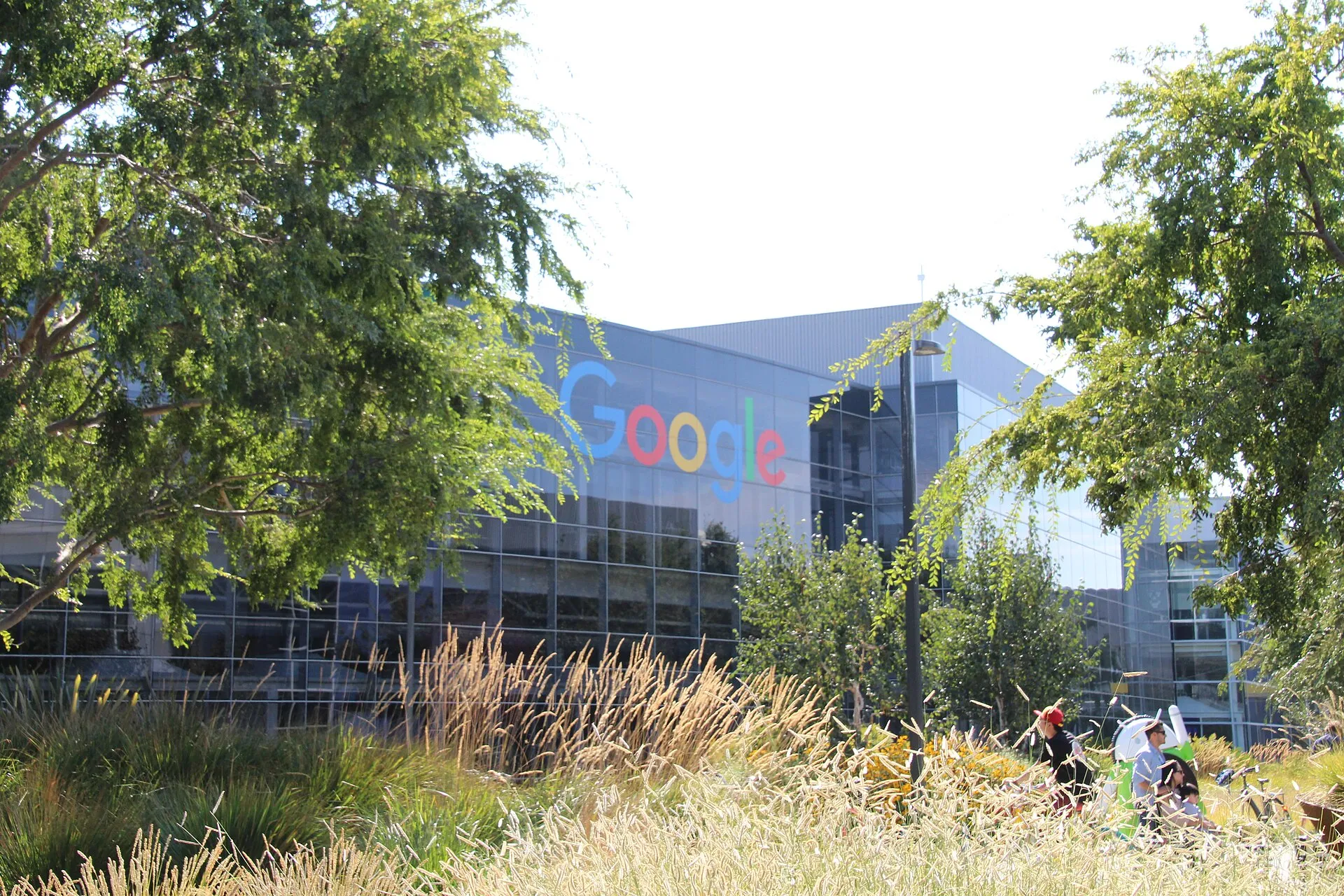
Image: outside Google’s headquarters in Mountain View, photo by David Nagle, CC BY-SA 4.0, via Wikimedia Commons.
Like our coverage? Add stepphase.com as a preferred source on Google to see more of our stories in Top Stories.

