



 Saif Ali Tai
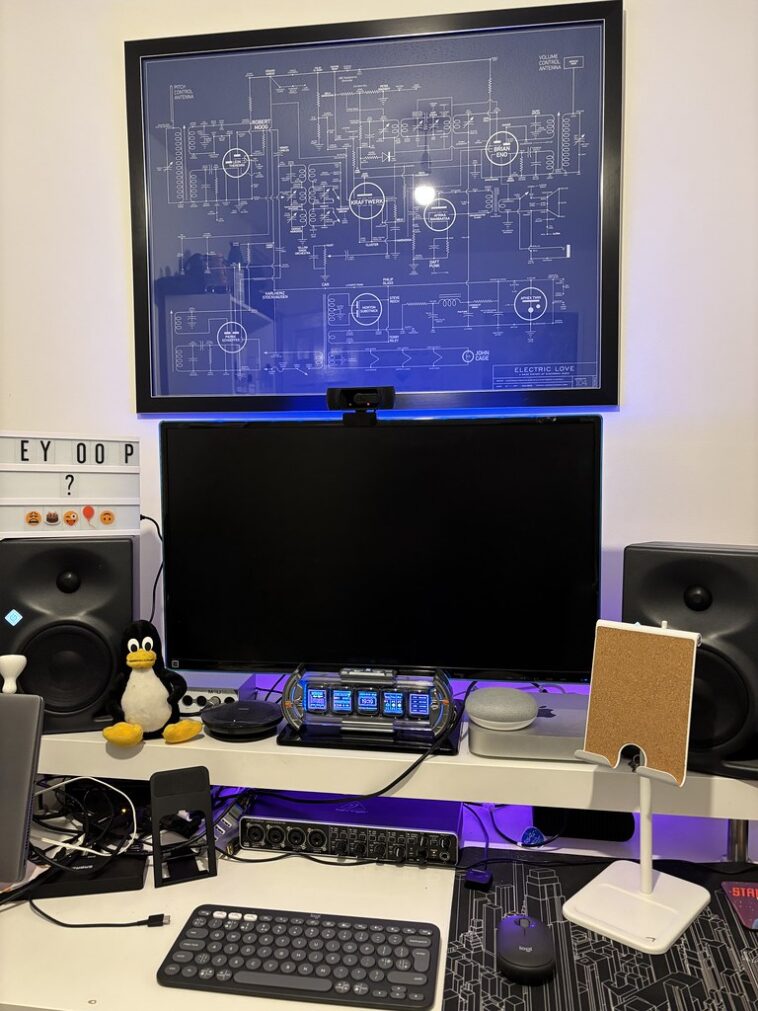
Logitech just released the Pebble Fold 2, and it is the first time I have actually preferred a portable mouse over my MacBook’s trackpad. For $59.99, this folding peripheral solves the ergonomics gap that has plagued mobile workers for years. The Logitech Pebble Fold 2 features a 4000 DPI Darkfield sensor and a unique hinge that lets it lay flat in your laptop sleeve. It is a direct response to the clunky travel mice of the past that were either too small or too bulky to be practical.
📋 In This Article
The Origami Design That Actually Fits Your Hand

I have spent years cycling through travel mice, and most of them are garbage. They are either tiny ‘pebble’ styles that cause hand cramps or full-sized mice that make a massive bulge in my laptop bag. The Logitech Pebble Fold 2 hits the sweet spot. It is only 14mm thick when folded flat, which is thinner than my iPhone 16 Pro in a case. When you snap it into its ‘work mode,’ the hinge creates a genuine arch that supports your palm. It weighs just 72 grams, making it lighter than the $99 MX Master 3S. While the Microsoft Arc Mouse attempted this years ago, Logitech’s version feels more robust. The clicking mechanism is satisfyingly tactile rather than mushy, which is a huge win for productivity.
Durability of the folding hinge
Logitech claims the hinge is rated for 20,000 folds. In my testing, the magnetic snap feels incredibly secure. It doesn’t collapse under heavy pressure during intense clicking sessions. Unlike the older Microsoft Arc, which felt like it might snap if you sat on it, the Pebble Fold 2 uses a reinforced polymer that feels like it can survive a drop from a coffee shop table.
Sensor Performance That Works on Everything
The real reason to spend $60 on this mouse is the 4000 DPI Darkfield sensor. Most travel mice use cheap optical sensors that fail the moment you put them on a hotel desk or a glass table. I tested the Pebble Fold 2 on the glass surface of my local library, and it tracked perfectly. You do not need to carry a mousepad anymore. For someone who works in airports and cafes, this is the biggest selling point. Compared to the standard 1,000 DPI found in generic office mice, the precision here is noticeable when you are doing fine work in Figma or Adobe Lightroom. It feels like a high-end desktop tool in a pocket-sized frame.
DPI switching and sensitivity
You can toggle between sensitivity presets using the Logi Options+ app. I keep mine at 1,600 DPI for general browsing and 3,200 DPI for multi-monitor setups. Having this level of customization in a $60 mouse is rare. Most portable options force you into a single, sluggish speed that feels terrible on high-resolution OLED laptop screens.
Battery Life and Modern Connectivity
Logitech has finally fully embraced USB-C for its entire portable lineup. The Pebble Fold 2 gets about 90 days of battery life on a single charge. I have been using my review unit for three weeks of heavy daily use, and the battery is still sitting at 84%. If you do run out of juice, a quick one-minute charge via the front-facing USB-C port gives you three hours of runtime. It also supports Bluetooth 5.4 and the Logi Bolt receiver. The connection is rock solid; I haven’t experienced a single drop-out even in a busy office with dozens of competing signals. Analysts suggest that the move to Bluetooth 5.4 reduces latency by nearly 15% compared to the previous generation.
Multi-device pairing features
The Easy-Switch button on the bottom allows you to pair with three different devices. I frequently jump between my iPad Pro and my Windows workstation. The switch takes about one second. It is a seamless experience that makes the $59 price tag feel like a bargain for power users who juggle multiple screens throughout the day.
Logitech Pebble Fold 2 vs Microsoft Arc Mouse
The inevitable comparison is with the Microsoft Arc Mouse, which usually retails for around $79. Honestly, it isn’t even a fair fight in 2026. The Arc Mouse lacks a physical scroll wheel, opting for a touch strip that is notoriously imprecise. The Pebble Fold 2 has a real, rubberized scroll wheel with distinct steps. It makes navigating long spreadsheets or PDFs significantly easier. Furthermore, the Arc Mouse still uses AAA batteries in some regions, which is archaic. Logitech’s rechargeable internal battery and superior sensor tech make the Pebble Fold 2 the clear winner. Industry observers note that Microsoft has largely abandoned the peripheral space, leaving Logitech to dominate the high-end portable market.
Value for money analysis
At $59.99, you are getting the same sensor technology found in mice that cost twice as much. The build quality is significantly higher than the cheaper $29 Pebble M350. If you value your wrist health and want a mouse that actually fits in your pocket, the extra $30 for the Fold 2 is the best investment you can make for your mobile office.
⭐ Pro Tips
- Map the middle-click button in Logi Options+ to ‘App Expose’ or ‘Task View’ to speed up your workflow on macOS and Windows.
- The Pebble Fold 2 often goes on sale for $49 during Amazon Prime Day or Black Friday, so keep an eye on price trackers if you aren’t in a rush.
- Avoid using harsh chemical wipes on the rubberized scroll wheel; a damp microfiber cloth is all you need to keep the grip from getting gross.
Frequently Asked Questions
Is the Logitech Pebble Fold 2 good for gaming?
Not really. It has a 125Hz polling rate, which is fine for Excel but will feel laggy in fast-paced games like Valorant. Stick to the Razer Orochi V2 if you need a portable gaming mouse.
Does the Logitech Pebble Fold 2 work on glass?
Yes, thanks to the Darkfield sensor, it works on glass surfaces as long as they are at least 4mm thick. It is one of the few portable mice that doesn’t need a mousepad.
How long does the Pebble Fold 2 battery last?
A full charge lasts approximately 90 days. It charges via USB-C, and a one-minute emergency charge provides about three hours of use, which is perfect for last-minute meetings.
Final Thoughts
The Logitech Pebble Fold 2 is the most practical mouse I have used in years. It takes the folding concept and finally makes it work for real professionals. It tracks on everything, fits in a pocket, and doesn’t feel like a toy. If you are still struggling with a laptop trackpad while working remotely, stop. Spend the $60 and get this. Your wrists and your productivity will thank you. Go grab one from Amazon or Best Buy before your next trip.




GIPHY App Key not set. Please check settings