
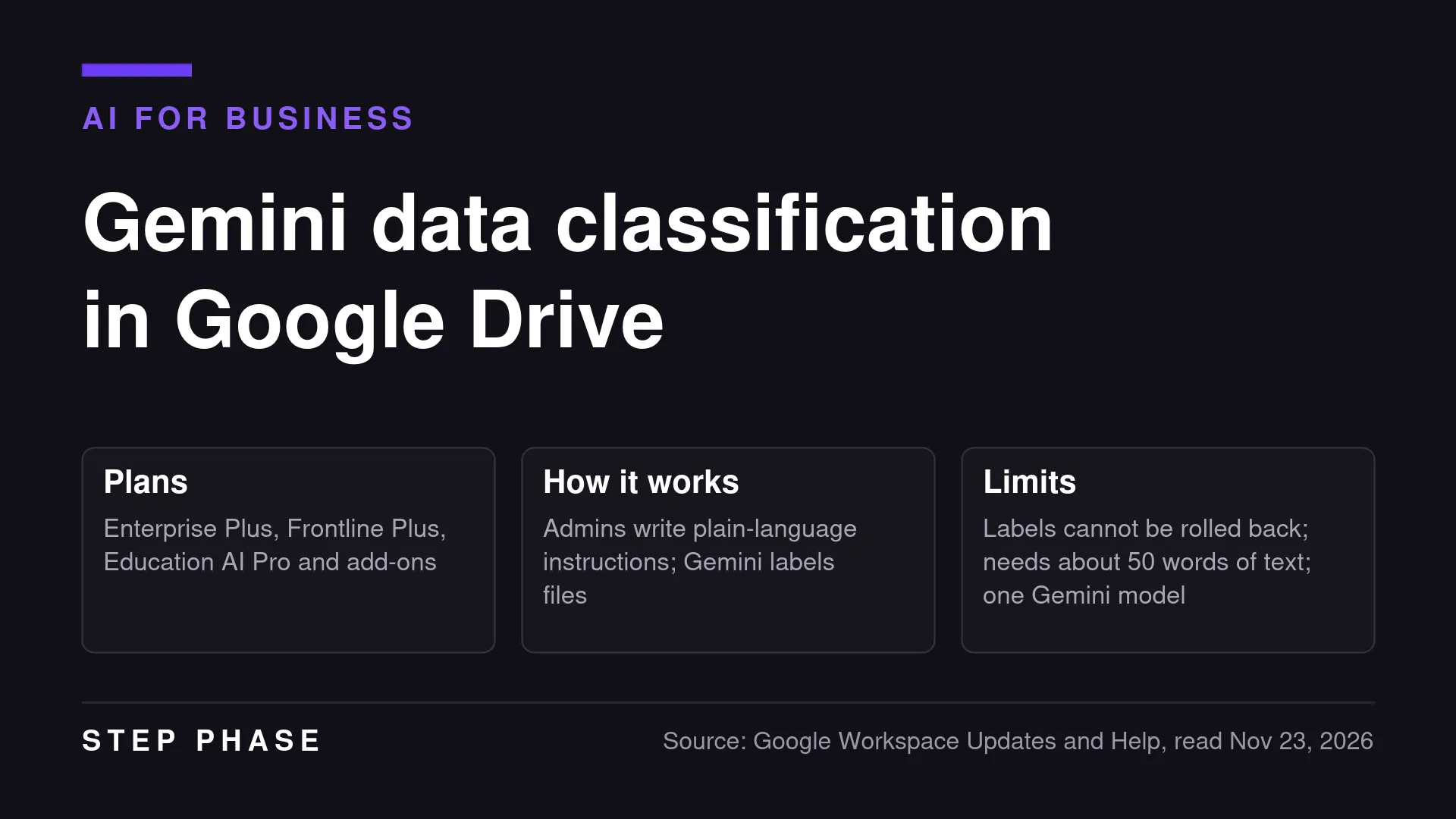
Google has made Gemini-powered data classification in Google Drive generally available, so Workspace admins can now label files automatically by writing plain-language instructions instead of hand-labelling hundreds of training documents. Google announced the move on November 17, 2026, and says the rollout runs through December 15. The feature is not for every Workspace plan, it has firm limits on what it can read, and Google’s own help page warns that applied labels cannot be rolled back. This guide covers who gets it, how it works, the limits and how to test it safely. Everything below comes from Google’s Workspace Updates post and Help Center page, read on November 23.
What did Google release?
AI classification in Drive applies classification labels, descriptive metadata that feed data loss prevention (DLP) rules, retention policies and audit investigations. Until now, the main route was a custom model trained on an organisation’s own labelled files. After an open beta, Google has made a second route generally available: “Use Gemini”. Admins write natural-language instructions telling Gemini which label to apply, and Gemini reads file content to decide. No training dataset is needed up front.
The general-availability release adds two things: a way to test and refine instructions in the Admin console and preview the label Gemini would apply, and near real-time reporting on files that AI classification has labelled. Google’s stated reason is control: it says the feature helps keep agentic workflows from acting on sensitive data without oversight.
Which plans include it?
The Workspace Updates post names Enterprise Plus, Google AI Pro for Education and Frontline Plus. Google’s Help Center page adds that AI classification is included with Gemini Enterprise-Legacy and AI Security add-ons. Google does not publish a price for the feature in either page; it says only that a supported product licence is required. Files must sit in shared drives or be owned by users whose licences support classification labels.
How do the two methods differ?
- Custom models: a machine-learning model trained on your own labelled files. Labellers apply a training label to at least 100 files per option. A training run takes about 4 to 6 hours and the model retrains every two weeks automatically.
- Gemini instructions: you describe each label option, how to recognise it and any exceptions. Instructions can be tested with 500 to 10,000 characters of sample text before they go live.
Google says the two methods complement each other and can be used together. An organisation can have up to five AI classification models in total, including at most one active Gemini instruction model. Labels must use a published single-select or badge list field with 2 to 7 options.
How do admins set it up?
- In the Admin console, go to Security, then Access and data control, then Data classification.
- Choose a label template or an existing label, write instructions for each option and test them.
- Pick which options are eligible for auto-apply, and which organisational units or groups are in scope. The default is the top-level organisation, and group settings override unit settings.
- Save, and review the model details page for labelled-file counts, user acceptance and Drive inventory reporting.
Turning on auto-apply starts a one-time scan of existing and inactive files. Google says it typically starts within one to two weeks and can take weeks or months to finish. Files are also scanned when uploaded or edited.
What are the limits?
- Enough text: files need roughly 50 words and 200 characters of readable text. Client-side encrypted files, audio, video and images without readable text are skipped.
- No overwriting: labels applied by DLP rules, or applied, accepted or changed by users, are not overwritten.
- Edits are forward-looking: changes to instructions apply only to future uploads and edits. Old files are only reprocessed if an admin clicks “Apply label to inactive files”. On-demand rescanning of files already evaluated is not included in this release.
- Probabilistic: Google warns that Gemini may label identical or near-identical files differently.
- Corrections do not retrain: a user changing a label does not teach the system. Only designated labellers reapplying a training label does that for custom models.
What does the data handling look like?
For Gemini instructions, eligible file content is processed and stored in the Workspace data region the admin selected, US or Europe, while the instructions themselves are stored in the US. Google says files and instructions stay isolated to the customer’s organisation and are not used to train its global models. These are Google’s statements. Neither page describes an independent audit of them.
What wins when labels conflict?
Google gives an order of precedence: a data protection rule without user overwrite, then manual classification, then a data protection rule with user overwrite, then AI classification, then the default classification. If multiple AI sources disagree, the option listed higher in the label’s option list wins. Once a user accepts or modifies an AI-applied label, AI classification will not change it. Only people with the right label permissions can view, accept or edit applied labels.
A cautious way to roll it out
Google’s own caveat is the key one: applied labels cannot be rolled back. Its advice is to test with a temporary label first. That suggests a sensible order, which is our reading and not Google’s checklist: write instructions for one low-risk label, test them against sample text, scope auto-apply to a small organisational unit, review the user-acceptance chart, then widen. The model details page keeps a 180-day chart of how many reviewed AI labels users accepted, which is a direct measure of whether the instructions are working. Admins can also filter the Drive events log for “Label applied” events in the security investigation tool.
The same caution applies across business AI. Our report on Claude computer use for Team and Enterprise covers another admin-controlled AI feature that ships switched off, and our AI API price comparison covers Gemini and other model costs for developers who build their own tools.
Sources
- Google Workspace Updates: Gemini-powered data classification in Google Drive is now generally available (November 17, 2026)
- Google Workspace Help: Label Google Drive files automatically using AI classification
Both sources are Google’s own. No independent test of accuracy was found.
Image: StepPhase title card.
Like our coverage? Add stepphase.com as a preferred source on Google to see more of our stories in Top Stories.

