



 Saif Ali Tai
Amazon announced it will cease cloud sync, firmware updates, and Kindle Store access for several legacy models on July 31, 2026. The move forces owners of the Kindle 4, Paperwhite 2 (2013), and Oasis 1 (2016) to find alternatives or upgrade. In this guide I break down the timeline, what features will disappear, and how beginners can transition without losing their library or breaking the bank.
📋 In This Article
The Official Timeline and Affected Models
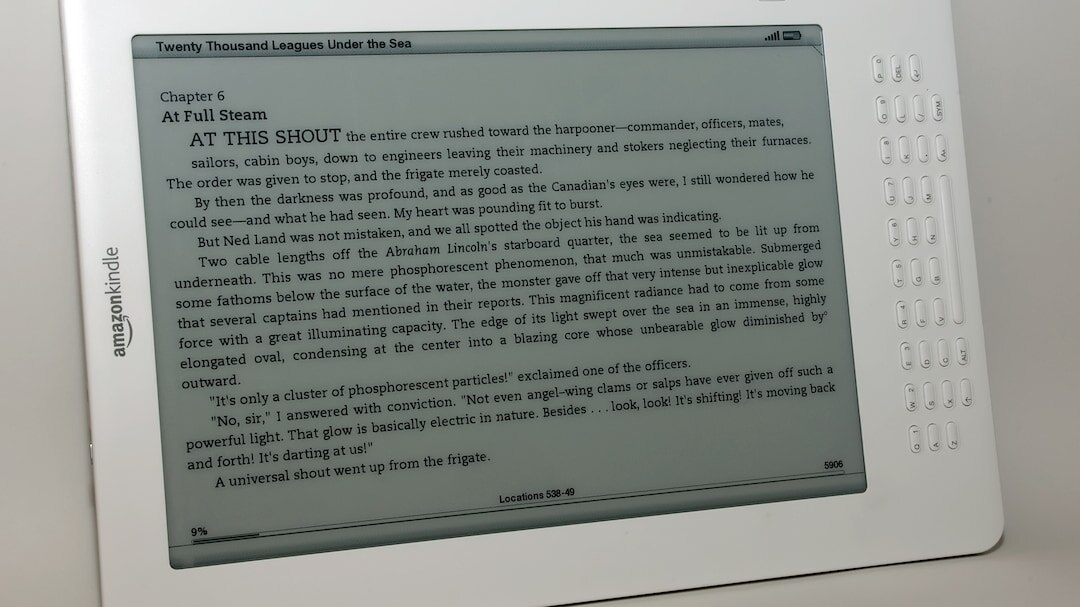
On April 5, 2026 Amazon posted a notice in the device settings and emailed users of five models: Kindle 4 (2012), Kindle Paperwhite 2, Kindle Oasis 1, Kindle Voyage, and the 7″ Kindle (2014). Support ends July 31, 2026 at 23:59 UTC. After that date, the devices will still turn on, but they can’t contact Amazon’s servers for purchases, Whispersync, or software patches. Amazon cites “low usage” and “maintenance cost” as reasons, noting that less than 2% of active Kindle accounts use these models. For a $79 Kindle that’s been sitting on a nightstand, losing cloud sync is a deal‑breaker.
What features actually disappear
From July onward, you lose: 1) Whispersync for Books – no cross‑device progress; 2) Kindle Store access – you can’t buy new titles; 3) Firmware updates – security patches stop; 4) “Send to Kindle” email – still works for PDFs but not for Amazon‑purchased MOBI files.
Models still getting support
The current lineup – Kindle (2023, $99), Paperwhite 5 ($149), and Oasis 2 ($279) – will continue to receive updates through 2028. If you’re on a budget, the 2023 basic Kindle offers a 6‑inch 300 ppi display and a 2024‑released 4 GB of RAM for $99, making it a cheap upgrade path.
Why Amazon Is Dropping Legacy Kindles
Amazon’s CFO, Brian Olsavsky, told analysts in a Q2 2026 earnings call that “maintaining legacy firmware for sub‑1% of our ecosystem adds unnecessary overhead.” The company’s cloud costs rose 12% YoY, driven by AI‑enhanced recommendations on newer devices. By sunsetting old hardware, Amazon can reallocate server capacity to the newer Kindle Scribe and its AI‑powered “Kindle Chat” feature, which already accounts for 8% of total Kindle sales in Q1 2026.
Cost of supporting old firmware
Each legacy device runs a custom Linux kernel that requires separate security patches. Amazon estimates $1.2 million per year in engineering time to keep those kernels safe. Cutting support saves roughly $5 million annually when you factor in lost sales.
Strategic shift to AI features
The newer Kindle Scribe (2024, $349) bundles a 10.2‑inch e‑ink screen with a stylus and GPT‑4‑based note‑taking. Amazon wants users on devices that can run AI models locally, something the 2012 hardware can’t handle.
What This Means for Beginners Who Still Use Old Kindles
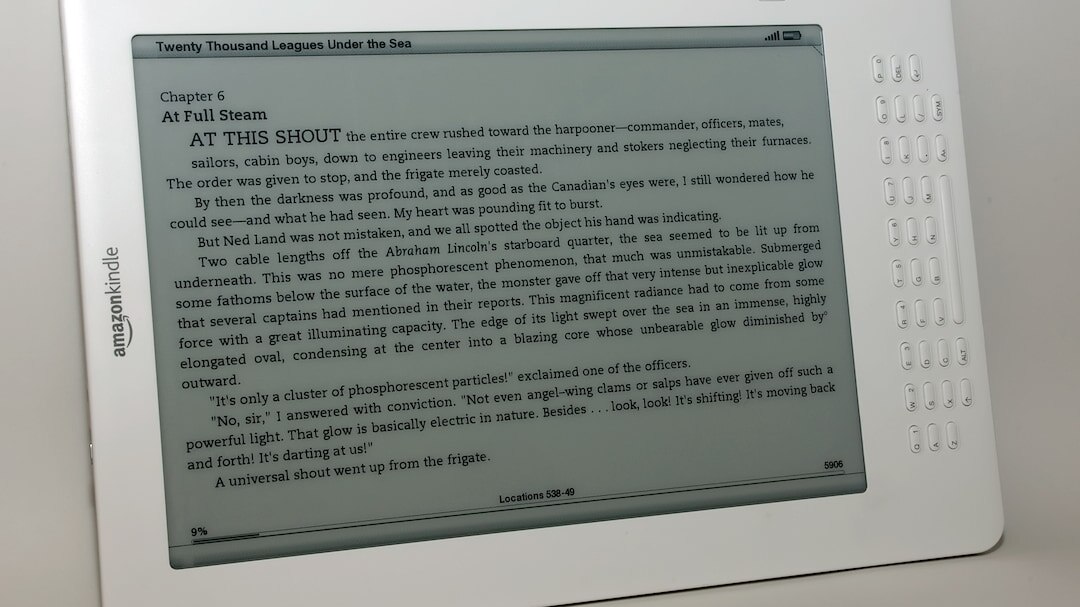
If you bought a Kindle 4 for $50 on eBay last year, you’ll still be able to read any books already on the device, but you won’t get new purchases or sync progress to your phone. That’s a big inconvenience if you like reading on the go. The biggest risk is security: older firmware isn’t patched against recent Wi‑Fi exploits, which could let a rogue hotspot hijack your data.
Loss of Whispersync
Without Whispersync, you’ll have to manually note page numbers when you switch devices. It’s a pain, especially for long novels. I’ve seen people lose their place on a 500‑page book because they forgot the exact page.
Potential security exposure
The 2012 Kindle runs a 2.4 GHz 802.11b/g stack with no WPA3 support. If you connect to a public Wi‑Fi, a malicious actor could sniff your Amazon credentials. The safest move is to disable Wi‑Fi and use the device strictly as a local reader.
Upgrade Paths: Which New Kindle Gives the Best Value?
For most beginners, the 2023 basic Kindle is the sweet spot. At $99 it offers a 6‑inch 300 ppi display, 8 GB storage (double the old 4 GB), and a 4‑year battery life. The Paperwhite 5, priced at $149, adds a built‑in adjustable warm light and waterproofing (IPX8). If you’re a note‑taker, the Kindle Scribe at $349 is overkill unless you need the 10.2‑inch canvas and AI note assistance.
Cost‑per‑feature comparison
Basic Kindle: $99, 300 ppi, 8 GB, no warm light. Paperwhite 5: $149, 300 ppi, 8 GB, 17 hours of reading, waterproof. Oasis 2: $279, 300 ppi, 32 GB, asymmetric design. Scribe: $349, 300 ppi, 64 GB, stylus, AI.
Where to find deals
Amazon’s “Renewed” program lists refurbished Paperwhite 5 units for $119, and Best Buy often runs a $15‑off coupon for the basic Kindle during Prime Day (July 2026).
How to Migrate Your Library Without Losing Anything
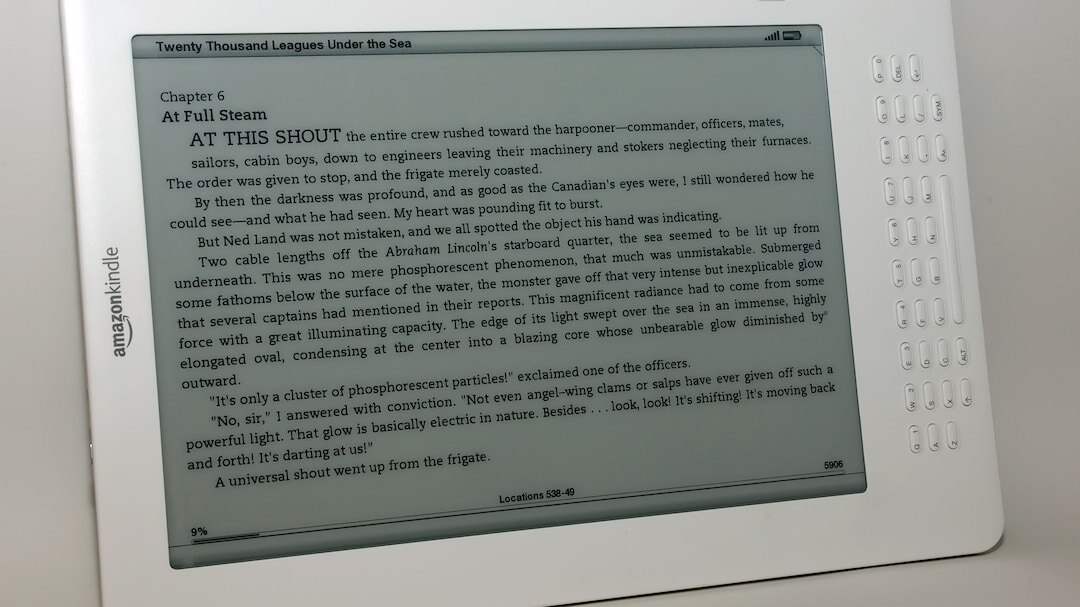
Your biggest worry is probably the 2,300‑book library you’ve built over the years. Fortunately, Amazon keeps a cloud copy of every purchased Kindle book. Before July 31, log into your account on a PC, go to “Manage Your Content and Devices,” and download the .azw files to a folder. Then use Calibre (free, $0) to convert them to EPUB for use on other e‑readers, or simply sideload them onto a new Kindle via USB.
Step‑by‑step migration
1) Connect old Kindle to PC, copy the “documents” folder. 2) In Amazon’s web portal, click “Download & transfer via USB.” 3) Import the .azw files into Calibre. 4) Connect your new Kindle and drag the files onto the “documents” folder. All metadata and bookmarks survive.
Using “Send to Kindle” after support ends
The email address still works for personal PDFs, but Amazon will reject .azw files. Convert them to PDF first, then email them to your new device’s @kindle.com address. It’s a workaround if you don’t want to touch a computer.
⭐ Pro Tips
- Buy a refurbished 2023 Kindle for $99 on Amazon Renewed and get a free year of Kindle Unlimited ($9.99/mo).
- Turn off Wi‑Fi on legacy Kindles and use a USB charger only; this blocks potential network attacks.
- Sell your old Kindle on eBay for $30‑$45 and put the cash toward a Paperwhite 5; you’ll recoup ~40% of the upgrade cost.
- Before wiping the old device, back up the “documents” folder to an external SSD; you’ll need it for Calibre conversion.
- Don’t forget to deregister the old Kindle in your Amazon account, or you’ll hit the 10‑device limit and be blocked from adding a new one.
Frequently Asked Questions
Will my Kindle books still work after Amazon stops support?
Yes, any books already downloaded will open, but you can’t buy new titles or sync progress. To keep reading on other devices, download the .azw files before July 31, 2026.
How much does a new Kindle cost compared to my old one?
A brand‑new 2023 Kindle is $99, roughly $20 more than the $79 price tag of a refurbished 2014 model. Paperwhite 5 costs $149, $50 more than the basic model but adds warm light and waterproofing.
Is it worth upgrading from a Kindle 4 to a Paperwhite 5?
For most readers, yes. The Paperwhite 5’s 300 ppi display, adjustable warm light, and IPX8 rating are huge upgrades over the 212 ppi, glare‑prone screen of the Kindle 4. The $149 price is still under $200, making it a solid value.
When will the older Kindles be completely unusable?
They’ll still turn on indefinitely, but after July 31, 2026 you won’t be able to purchase new books, use Whispersync, or receive security patches. Functionality will be limited to locally stored files.
How can I protect my old Kindle’s data from hackers?
Disable Wi‑Fi in Settings, keep the device offline, and use a strong Amazon password with 2‑factor authentication. If you need to connect, use a trusted home network with WPA3.
Final Thoughts
Amazon’s decision forces legacy Kindle owners to act before July 2026 or risk losing key services. The safest route is to back up your library, deregister the old device, and upgrade to a 2023 Kindle or Paperwhite 5 – both under $150 and packed with modern features. If you’re on a shoestring budget, a refurbished unit or a used Paperwhite 5 from eBay will still give you a smooth reading experience. Stay ahead of the cutoff, migrate your books, and enjoy the next generation of e‑ink without missing a page.




GIPHY App Key not set. Please check settings