
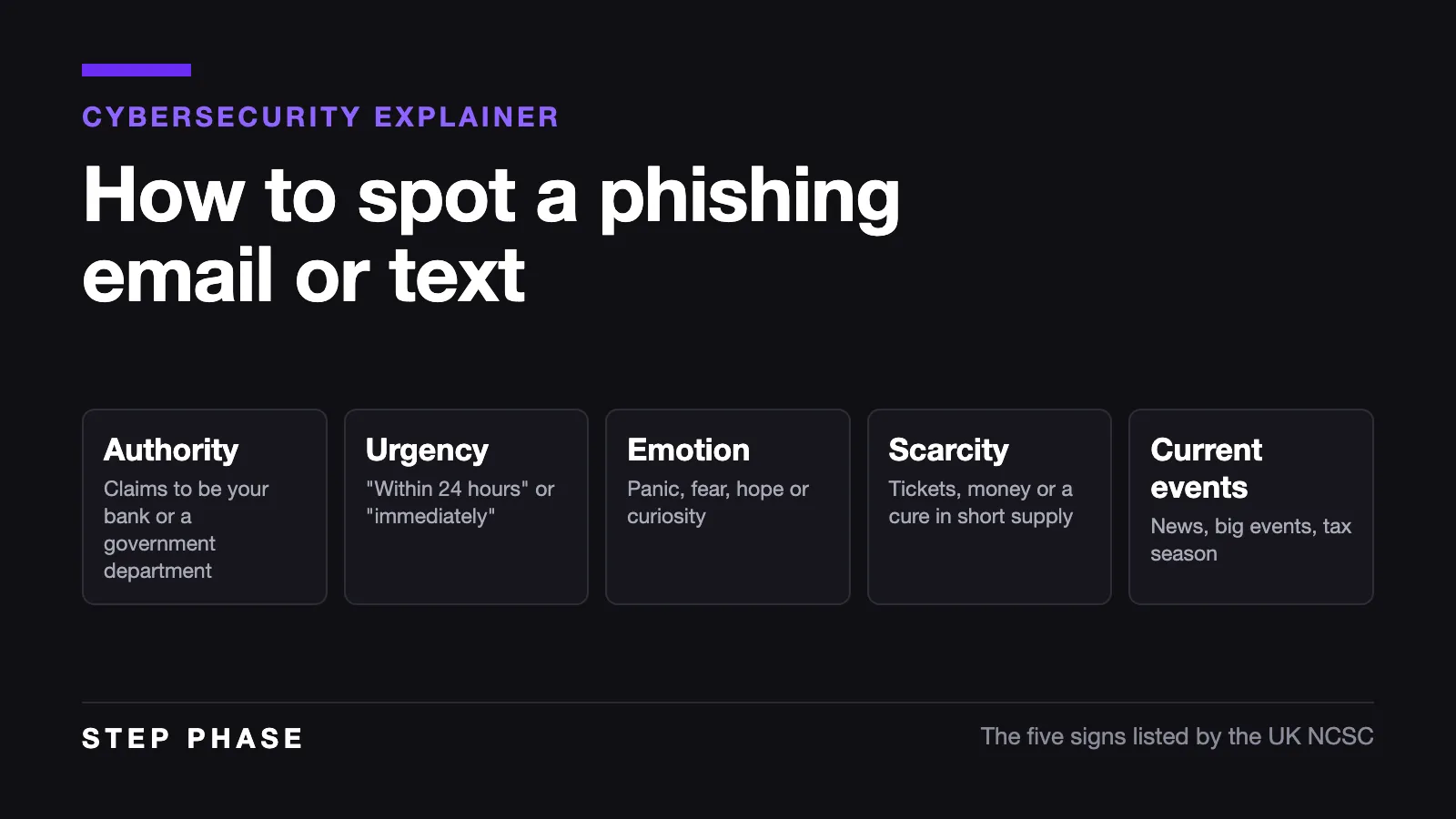
A phishing message is an email, text or call built to make you click a link, open a file or hand over details. The UK’s National Cyber Security Centre (NCSC) lists five tell-tale signs: a message that claims authority, creates urgency, plays on emotion, offers something scarce or leans on current events. If a message fits any of them, stop and check it another way before doing anything. This guide pulls together the steps from the NCSC, the US Cybersecurity and Infrastructure Security Agency (CISA) and the US Federal Trade Commission (FTC), including where to report in the US and UK.
What are the signs of a phishing email or text?
The NCSC’s guide to spotting scams describes five signs:
- Authority: the message claims to come from your bank, doctor, a solicitor or a government department.
- Urgency: you get a deadline, such as “within 24 hours” or “immediately”.
- Emotion: it tries to make you panic, fearful, hopeful or curious.
- Scarcity: it offers something in short supply, such as tickets, money or a cure.
- Current events: it exploits news, big events or times of year such as tax reporting.
CISA’s recognise and report phishing page adds four signs of its own: urgent or emotional language, requests for personal or financial information, untrusted shortened URLs, and incorrect email addresses or links, with the example “amazan.com”. The FTC’s phishing guidance points to a generic greeting, a claim that your account is on hold over a billing problem and a link to update your payment details. It says legitimate companies do not send payment-update links by email or text.
Is bad spelling still a giveaway?
Not reliably. The NCSC says older scams often had poor spelling or grammar, an unusual sender address or a design that feels “off”, but newer scams can be much harder to spot. CISA goes further and warns that AI can produce emails with perfect spelling and grammar, so poor grammar is no longer a dependable sign. The NCSC also advises against scanning QR codes that arrive in emails.
What should you do with a suspicious message?
- Stop and break contact. The NCSC says to “stop, break the contact, and consider the language it uses”.
- Do not click or reply. CISA says to resist links and attachments that seem too good to be true, and not to click even “unsubscribe” links.
- Verify another way. If the message might be real, contact the company using details from its official website or a number you already have, not the ones in the message. The NCSC adds that a bank or other official source will never ask for personal information by email or ask you to confirm bank account details by phone.
- Report it. See the next section.
- Delete it. CISA’s final step once it is reported.
How do you report phishing in the US and UK?
- US, email: forward the message to the Anti-Phishing Working Group at reportphishing@apwg.org, according to the FTC. CISA also points to the “report spam” or report option built into your email app.
- US, text: forward it to SPAM (7726), per the FTC.
- US, any attempt: report it to the FTC at ReportFraud.ftc.gov.
- UK, email: forward it to report@phishing.gov.uk. The NCSC says you can forward as many suspicious emails as you like, even if you are not certain they are scams.
- UK, text: forward it, free, to 7726. On an iPhone, press and hold the message, tap More, select it, tap the arrow, enter 7726 and send. On Android, press and hold the message, tap the three dots, tap Forward, enter 7726 and send. Your mobile provider can then investigate the source.
The NCSC notes that it cannot tell you the outcome of its review of a forwarded email, and that crimes should not be reported through that address. If you have lost money or been hacked in England, Wales or Northern Ireland, use reportfraud.police.uk or call 0300 123 2040; in Scotland call Police Scotland on 101.
What if you already clicked?
The FTC’s advice depends on what happened. If a scammer may have your Social Security, credit card or bank account number, use IdentityTheft.gov to find steps for your situation. If you clicked a link or opened an attachment that may have installed harmful software, update your computer’s security software, run a scan and remove anything it flags. Our guide covers what free antivirus protects against. After a password was entered on a fake page, change it and check whether it has leaked with our password leak guide, then turn on two-factor authentication. More general steps are in our CISA-based online safety guide.
Sources: NCSC, Spot scams; NCSC, Report a scam email; NCSC, Report a scam text message; CISA, Recognize and report phishing; FTC, How to recognize and avoid phishing scams. All read on November 16, 2026.
Like our coverage? Add stepphase.com as a preferred source on Google to see more of our stories in Top Stories.

